
The open-source AI creative studio
Direct every medium. Keep the thread.
Plan, generate, compare, and stitch image, video, audio, documents, and 3D on one infinite canvas—with the models and keys you choose.
The studio, in motion
Watch a brief become a working canvas.
This film uses the real Storyloom dashboard, Discover catalog, and board. Generated art opens and closes the sequence; the product proof stays factual.
One connected workflow
From the first sentence to the final sequence.
The thread stays visible: intent, generations, decisions, and finished work share one canvas.
- 01
Describe the outcome
Start with a brief or a source-backed recipe. The board opens with the intent in context.
- 02
Generate with your models
The copilot plans the work, estimates paid actions, and sends each task to the model you choose.
- 03
Weave the final sequence
Compare versions in space, arrange the useful work, and stitch image, motion, and sound together.


Infinite canvas
Make the whole project visible.
A board holds the brief, source material, generations, rejected branches, and final sequence. Versions remain useful because they stay in context.
- Image, video, audio, document, text, note, grid, and frame shapes
- Sections that move related work as a unit
- Direct manipulation alongside agent control
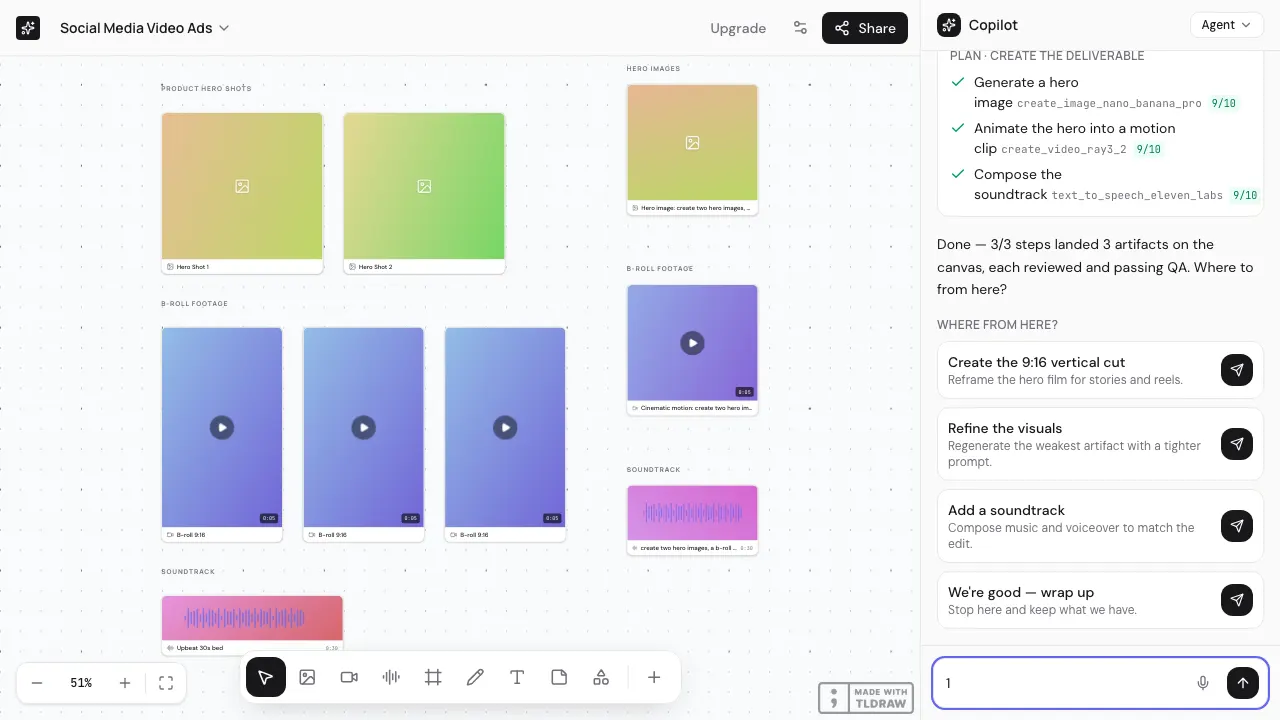
Agent copilot
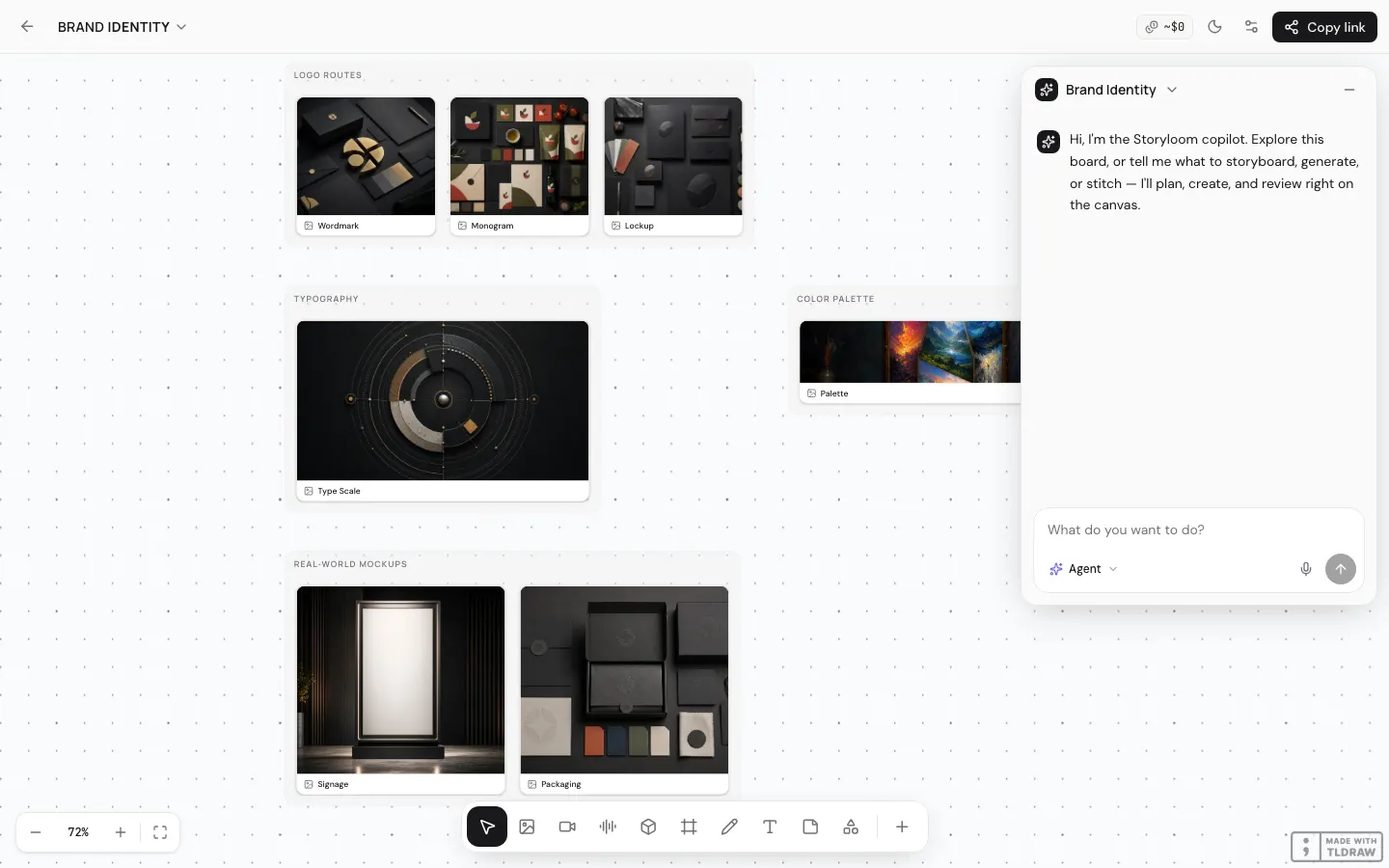
Give the brief a plan, not just a prompt box.
The copilot decomposes the work, estimates paid actions, calls the selected models, judges outputs, and places the results where they can be directed.
- Cost confirmation before provider-backed generation
- The same typed actions as direct canvas controls
- A deterministic mock loop when no keys are connected
Factorable by design
The interface is one caller, not the whole system.
Storyloom's core action registry can be driven by canvas controls, its own copilot, or an MCP client. Provider adapters and local stitching stay behind that contract.
- Provider-agnostic image, video, audio, and 3D actions
- MCP tools projected from the shared registry
- Open code you can inspect, extend, and self-host
claude mcp add storyloom \
  -e STORYLOOM_URL=http://localhost:3000 \
  -e FAL_KEY=your-fal-key \
  -- node packages/mcp/dist/bin.js
16 curated models in source
Choose the model for the shot.
Image, video, audio, and 3D sit behind one typed action surface. The catalog and counts below come directly from the studio.
 Nano Banana Proimage · $0.15 / image
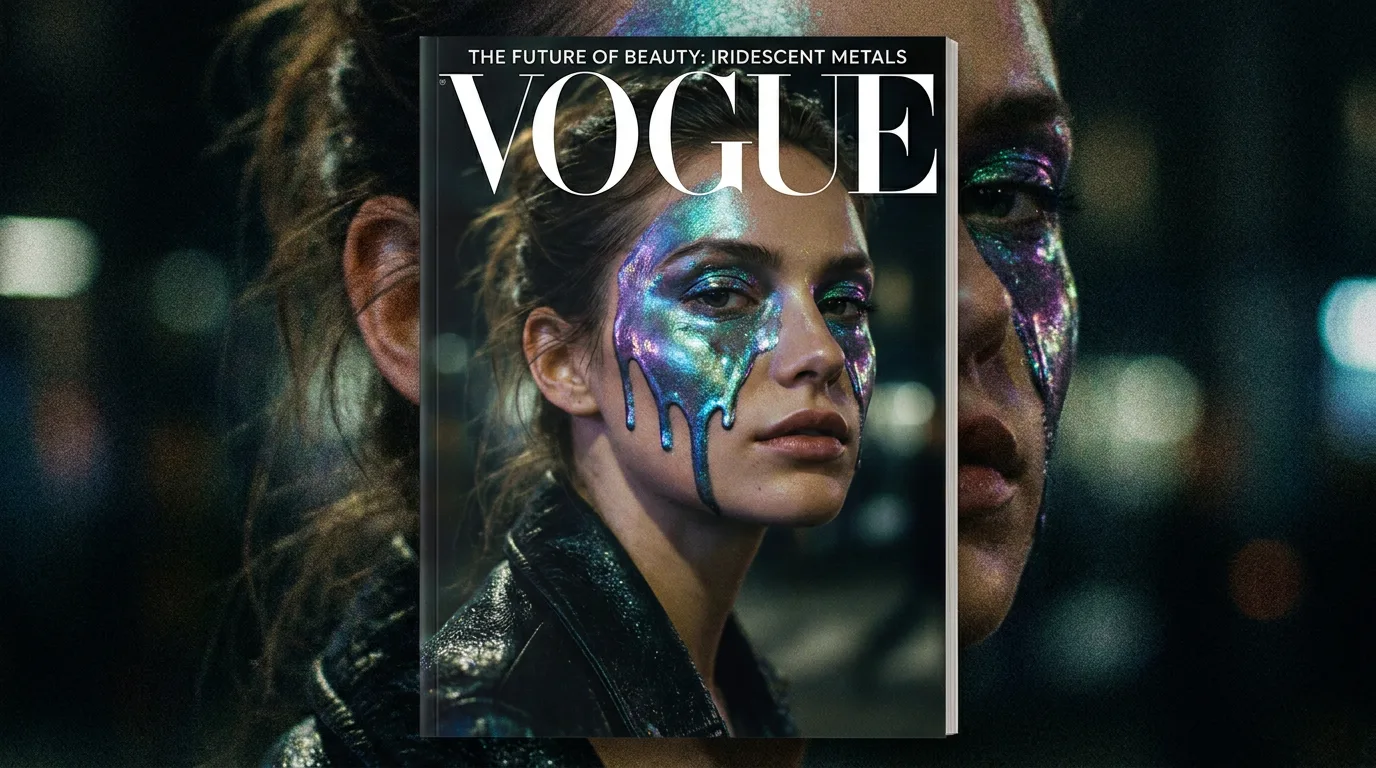 FLUX1.1 [pro] ultraimage · $0.06 / image
 FLUX.1 [dev]image · $0.03 / image
 GPT Image 1image · $0.04 / image
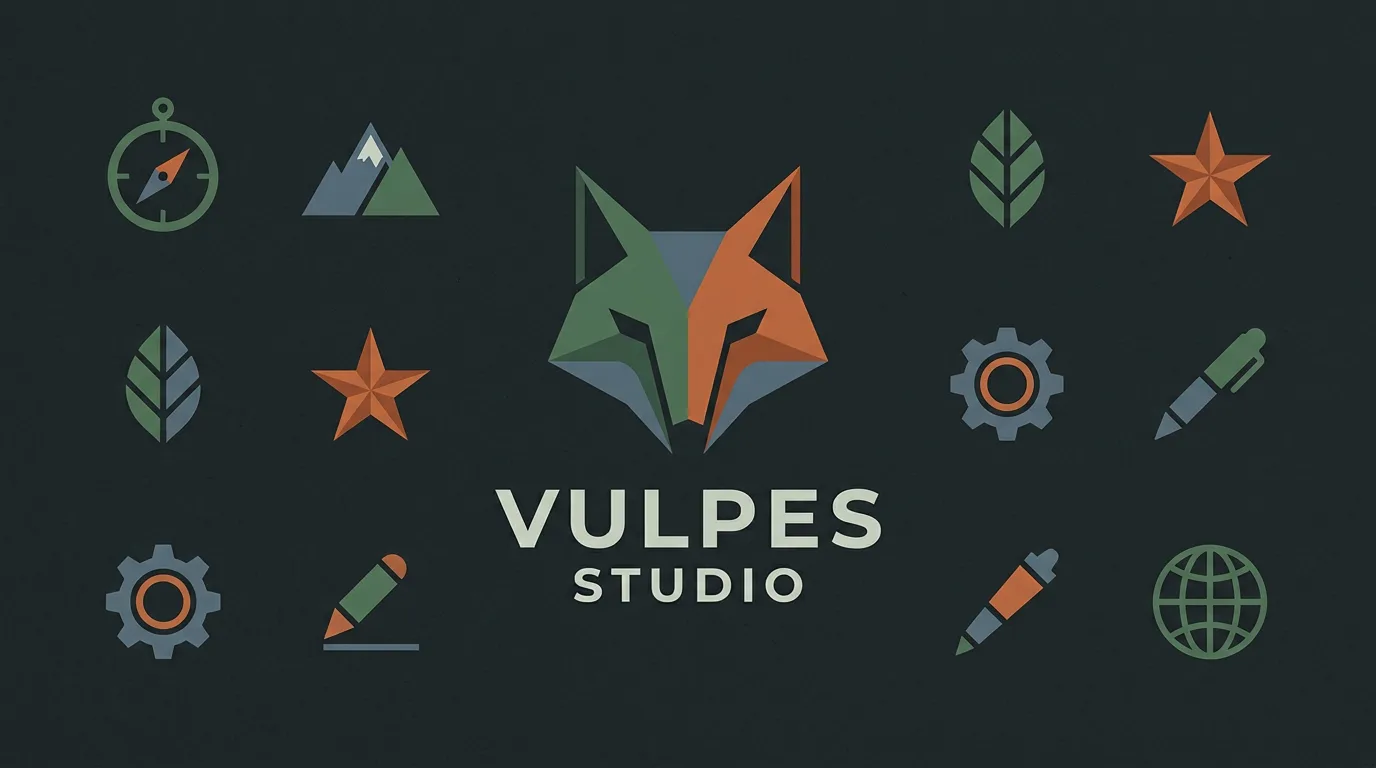 Recraft V3image · $0.04 / image
 Ideogram V3image · $0.06 / image
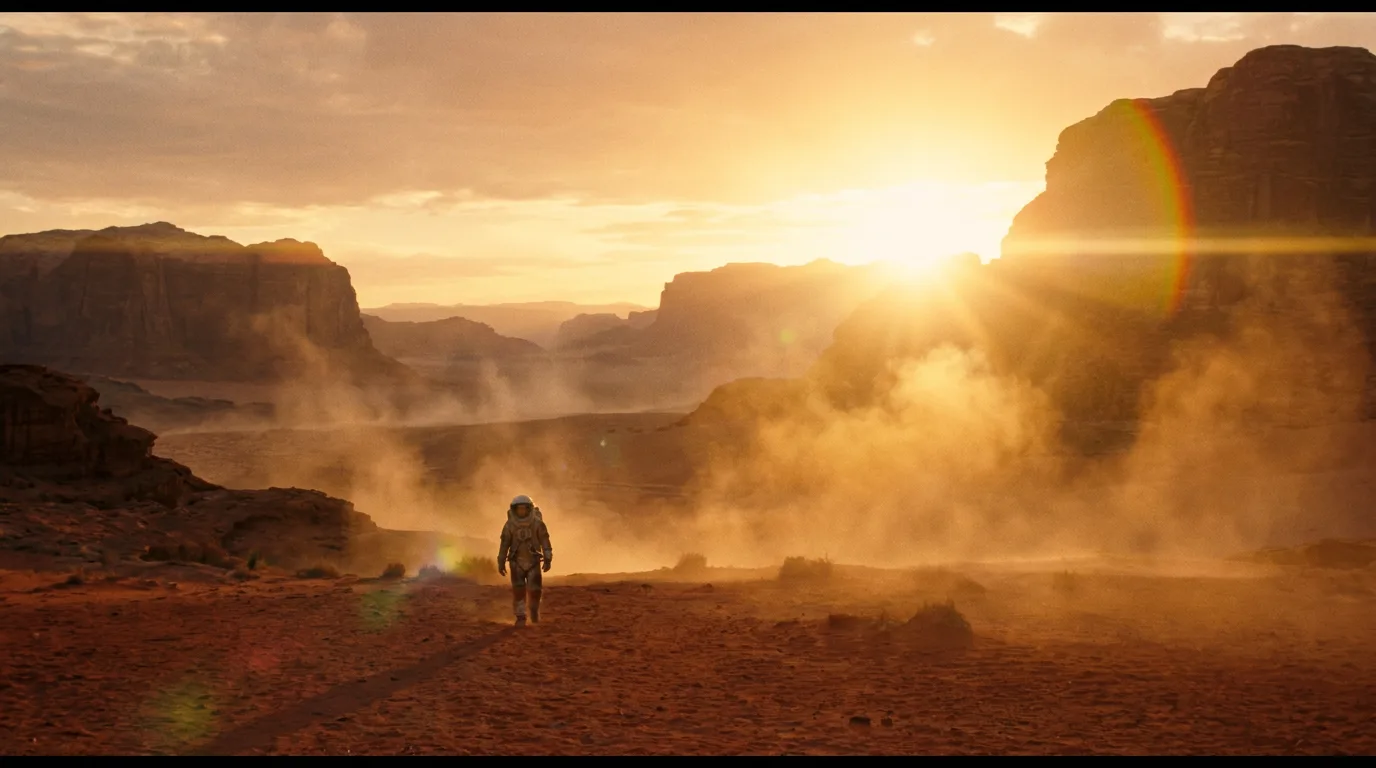 Veo 3video · $0.75 / sec
 Kling 2.0 Mastervideo · $0.28 / sec
 Luma Ray 2video · $0.10 / sec
 Hailuo 02video · $0.04 / sec
 Wan 2.2 A14Bvideo · $0.08 / sec
 ElevenLabs TTS (via fal)audio · $0.10 / 1K chars
 Stable Audioaudio · ~$0.02 / gen
 MMAudio V2audio · $0.001 / sec
 F5 TTSaudio · $0.05 / 1K chars
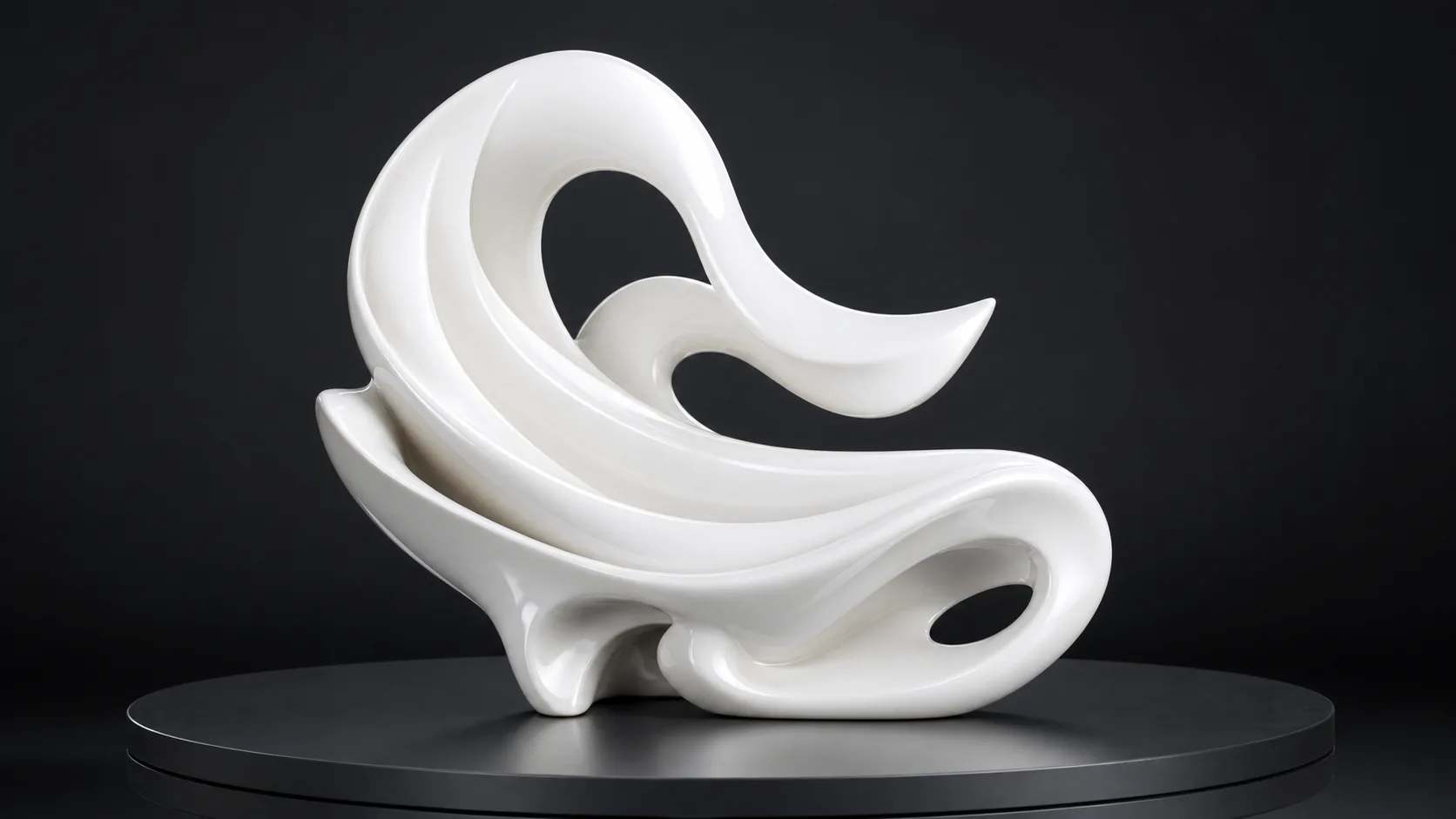 Hyper3D Rodinmodel · $0.40 / gen
One action surface
Direct it from the canvas, the copilot, or your agent.
Every caller reaches the same typed engine before Storyloom hands work to a provider or the local stitcher.
Built around the work
Four ways to direct a connected creative system.
Each route starts from recipes that already exist in Storyloom and hands the selected workflow directly to a fresh board.

For marketers and creative teams
Build a campaign as one connected body of work.
Keep the brief, hero concepts, ad variants, launch beats, and channel crops together while the copilot helps turn one direction into a complete campaign.
Explore the workflow
For product and commerce teams
Direct every product shot from one visual source.
Explore hero images, lifestyle settings, variants, and product-page formats while keeping the original product and every useful iteration in view.
Explore the workflow
For brand and graphic designers
Develop a visual language, not a pile of options.
Keep identity concepts, palette, typography direction, packaging, and campaign expressions on one canvas so every extension can be judged against the system.
Explore the workflow
For filmmakers and storytellers
Keep a character coherent as the world grows.
Develop model sheets, expressions, wardrobe, scenes, and story beats together. Compare versions without separating the character from the context that makes them believable.
Explore the workflowA different default
Creative work branches. Your workspace should show it.
Storyloom replaces the invisible handoff between generators, downloads, folders, and timelines with one inspectable board.
- 01
Keep sources beside results
References and variations stay close enough to understand how a direction changed.
- 02
Change models without changing projects
The provider can vary by action while the board and creative intent stay in place.
- 03
Own the path to production
Bring your keys, inspect the engine, export the board, and self-host the studio.

Make the whole thing visible
Your next creative system starts on one board.
Open Storyloom without an account or a provider key. Add your own models when the direction is ready for production.